Photo to Rap Video
Photo to rap video starts from a misconception: a photo is not a still frame to animate, it is a set of decisions the model has to reconstruct. Here is what it reads, and what it ignores.
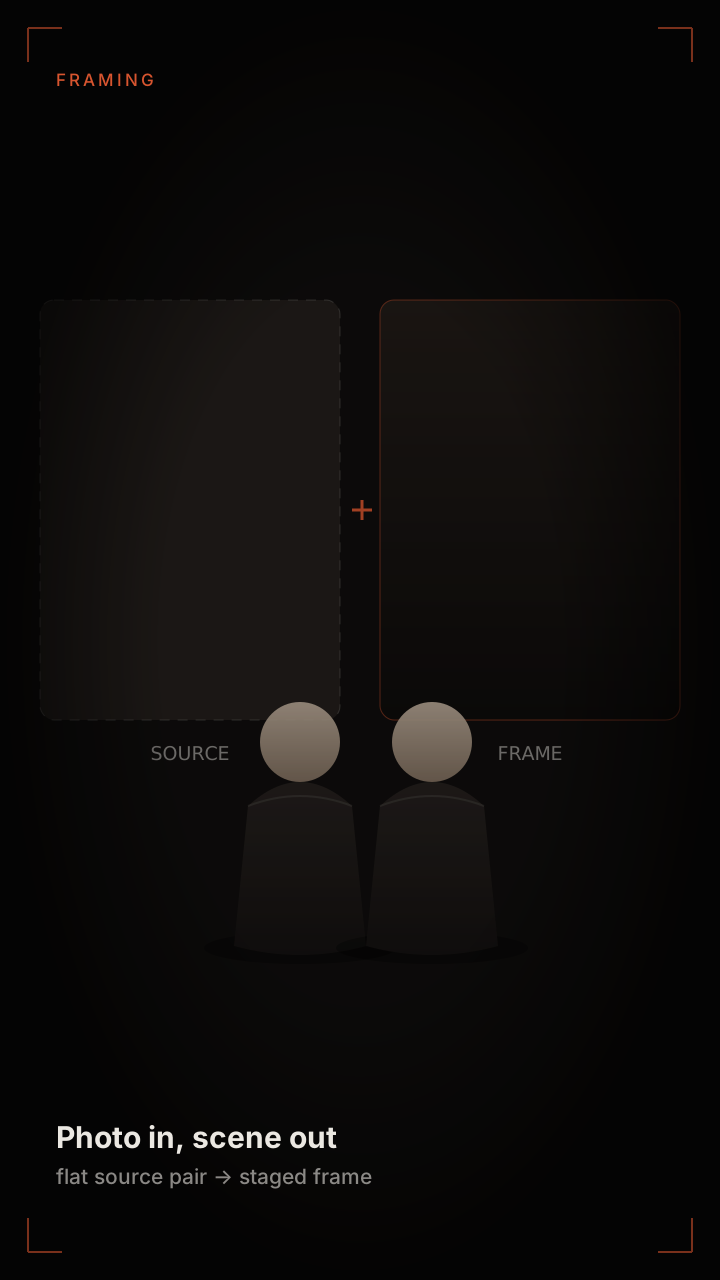 Photo in, scene out
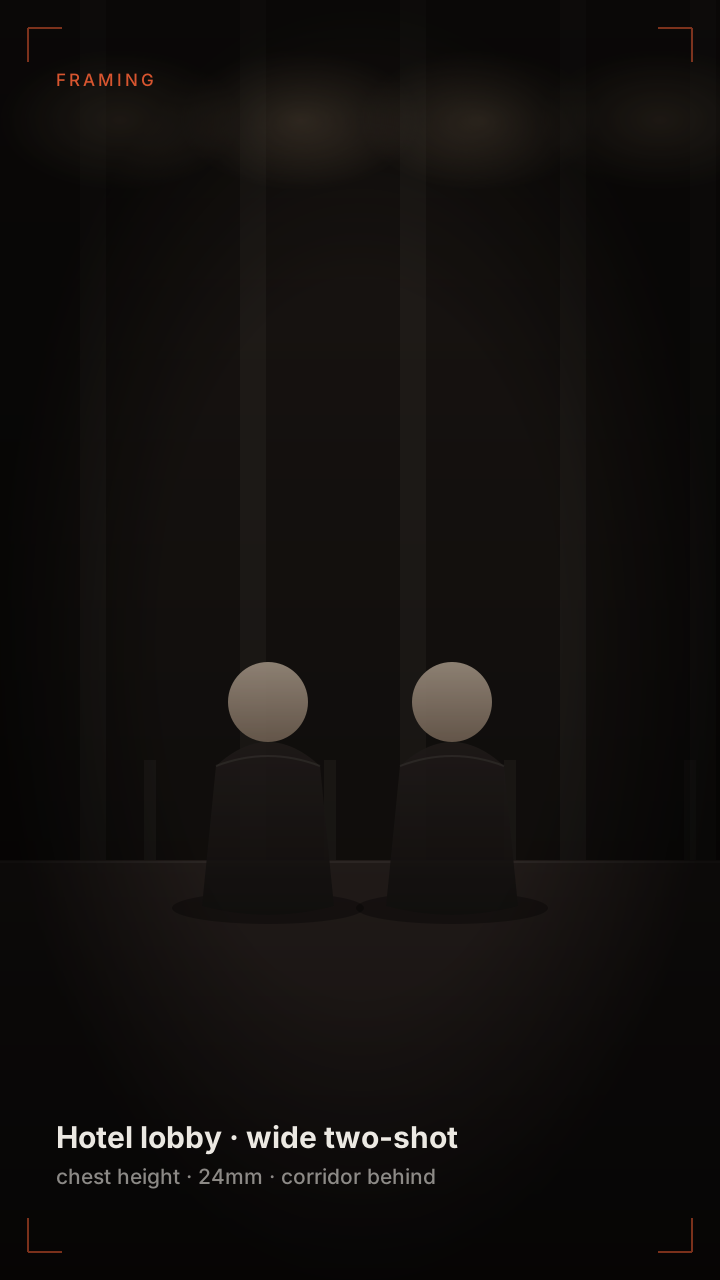 Wide framing
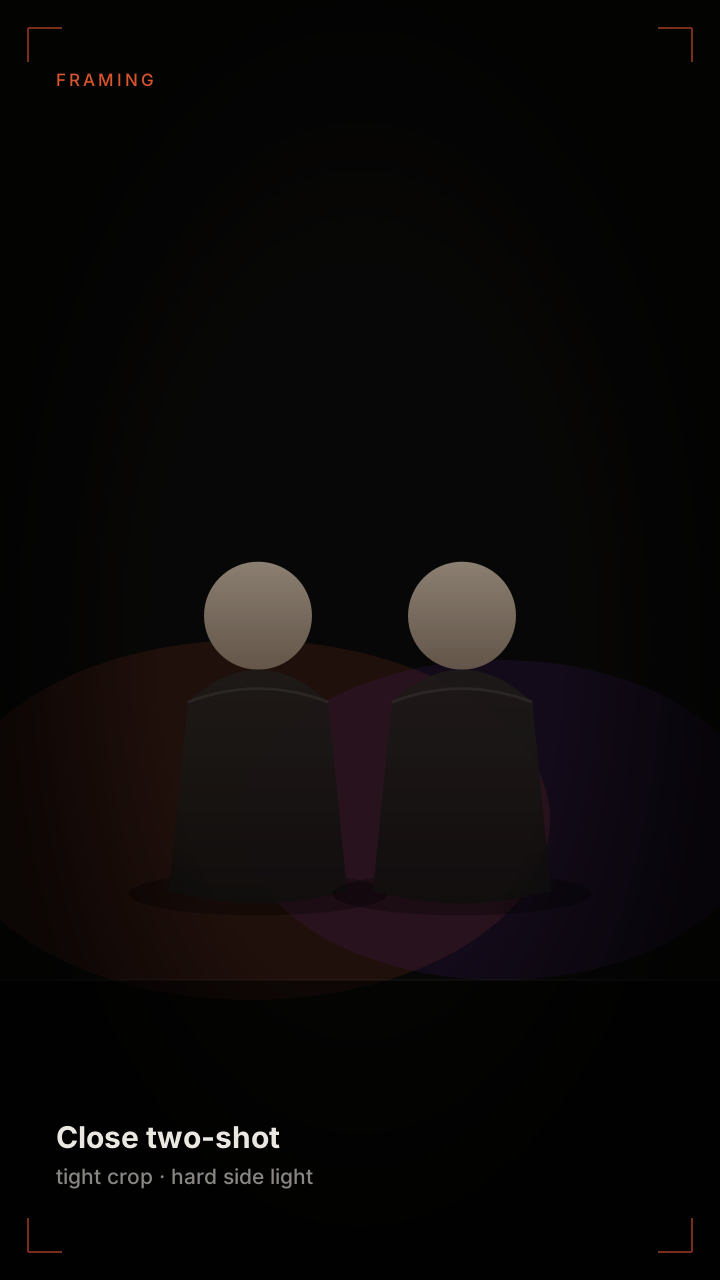 Tight framing
What a Photo to Rap Video Model Reads
It is tempting to think a photo-to-video model "animates" the image. It does not. It reconstructs a person from the image, then renders that person inside a new scene. Everything it cannot reconstruct it invents, and everything it invents is where the clip goes wrong.
- Face geometry — the proportions of eyes, nose, jaw and forehead. This is what the model reads most reliably, and it is why a slightly blurry photo with clear geometry beats a sharp photo at a bad angle.
- Skin and hair — reconstructed from texture. Flat, over-filtered skin gives the model nothing to work with, which is why heavily retouched photos produce the waxy, drifting faces people complain about.
- Lighting direction — the position and colour of the key light. A photo shot under a window has a strong direction the model will carry into the render; a photo shot with a phone flash has almost none.
- Body and clothing — guessed from the frame edge. This is the weakest read. A photo cropped at the shoulders gives the model no information about posture, so it invents one, and invented posture is the most common source of "that is not how they stand".
- Background — discarded. The model does not keep your room, your wall or your street. It replaces the environment entirely, which is why a cluttered background is not a problem for the render, only for the face read.
The Photo Checklist
These criteria are boring and they account for almost all of the variance between a render that works and one that does not. Run through them before uploading rather than after a failed render; the fix is always in the source file.
- Face the camera. A three-quarter turn is workable; a profile is not. The model needs both eyes to reconstruct the face.
- Eyes visible and in focus. Sunglasses, heavy shadow and hair across the face all break the read.
- Even, directional light. Window light from one side is ideal. Overhead-only light creates shadows under the eyes that the render will exaggerate.
- Head and shoulders in frame, cropped no tighter than mid-chest. The more body the model can see, the less posture it has to invent.
- No beauty filters, no heavy smoothing, no AI-upscaled photos. Sharpening artefacts read as skin texture and get rendered as such.
- Nothing on the face. No masks, no stickers, no hands. Every occluded pixel is a guess.
Why It Takes Two Photos
Every format this tool makes is a two-person scene, so two photos are required — one person per photo, and one photo per person. The two faces are staged on a shared focal plane and held stable through the same camera move, which is the part a single-photo tool structurally cannot do.
The formats that actually spread are all two-person formats: the two-shot, the walk-and-talk, the battle, the group set. A second performer invented by the model would not look like anyone you know, which defeats the point of putting real faces in the frame.
If the two photos differ in colour temperature or exposure, the model corrects them, but the correction costs detail around the jaw and hairline. Two photos taken under similar light always beat two photos that have to be reconciled, even if the reconciled pair is sharper on paper.
When the Render Drifts
Drift is the failure mode where a face slowly stops looking like the source photo over the length of the clip. It is almost always caused by insufficient information in the source, not by the length of the render.
- The face turns away or blurs after the first cut — the source photo was at an angle. Use a straighter one.
- The jawline changes shape — heavy filter or upscaling in the source. Use an unfiltered original.
- One subject stays sharp while the other drifts — the weaker photo is the problem. Replace it rather than re-rolling.
- The whole frame looks waxy — the source was over-lit or over-smoothed. A phone photo in daylight usually fixes it.
- The eyes look wrong — sunglasses, shadow or hair in the source. Nothing else causes this.
Re-rolling the same weak photo wastes credits. Swapping the photo costs nothing and fixes the cause.
FAQ
Questions people ask before uploading
What kind of photo works best?+
A recent, sharp photo of one person facing the camera in even, directional light, cropped no tighter than mid-chest, with no filters and nothing covering the face. Window light from one side is close to ideal.
Can I use a group photo and crop out one person?+
It usually fails. Each face in a group shot is small, so the model has too few pixels to reconstruct geometry from. Take or find a dedicated photo of each person instead.
Why does the face drift during the clip?+
Insufficient source information. Angles, filters, shadows and over-smoothing all reduce what the model can read, and it fills the gaps by inventing. Swapping the photo fixes it; re-rendering the same photo usually does not.
Can I use a photo I found online?+
Only with the permission of the person in it, and never for a public figure. Photos of minors are rejected at upload regardless of source.
Can I make a video with only one photo?+
No. Every format is a two-person scene, so two photos are required — one person in each. If you only have a group shot, take or find a dedicated photo of each person instead; faces cropped out of a group photo are too small to reconstruct from.
Related pages
Keep reading
Start from the photo you already have
Check it against the list, upload it, and see the frame it becomes.
Turn a photo into a videoai-rap-duo.com