AI Rap Video Generator
An AI rap video generator has to answer one question before anything else: who is on screen. Describe a scene, or upload photos and cast real people into it.
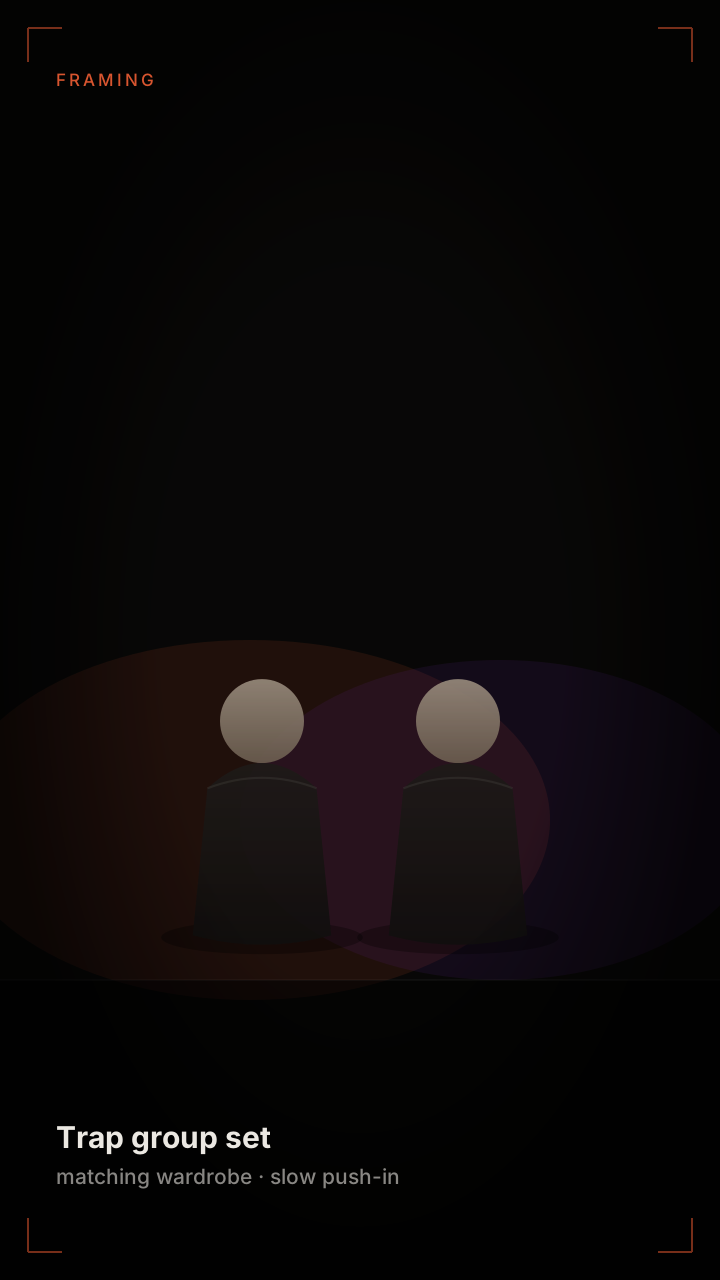 Text to video
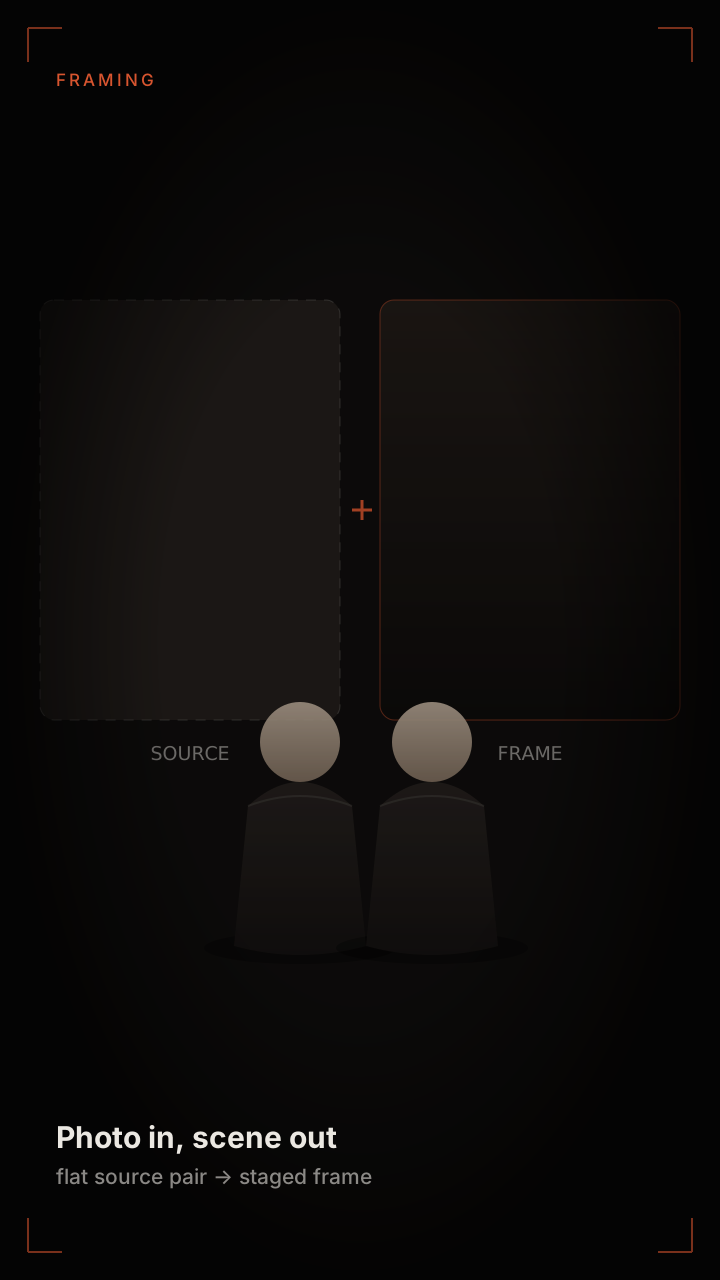 Photo to video
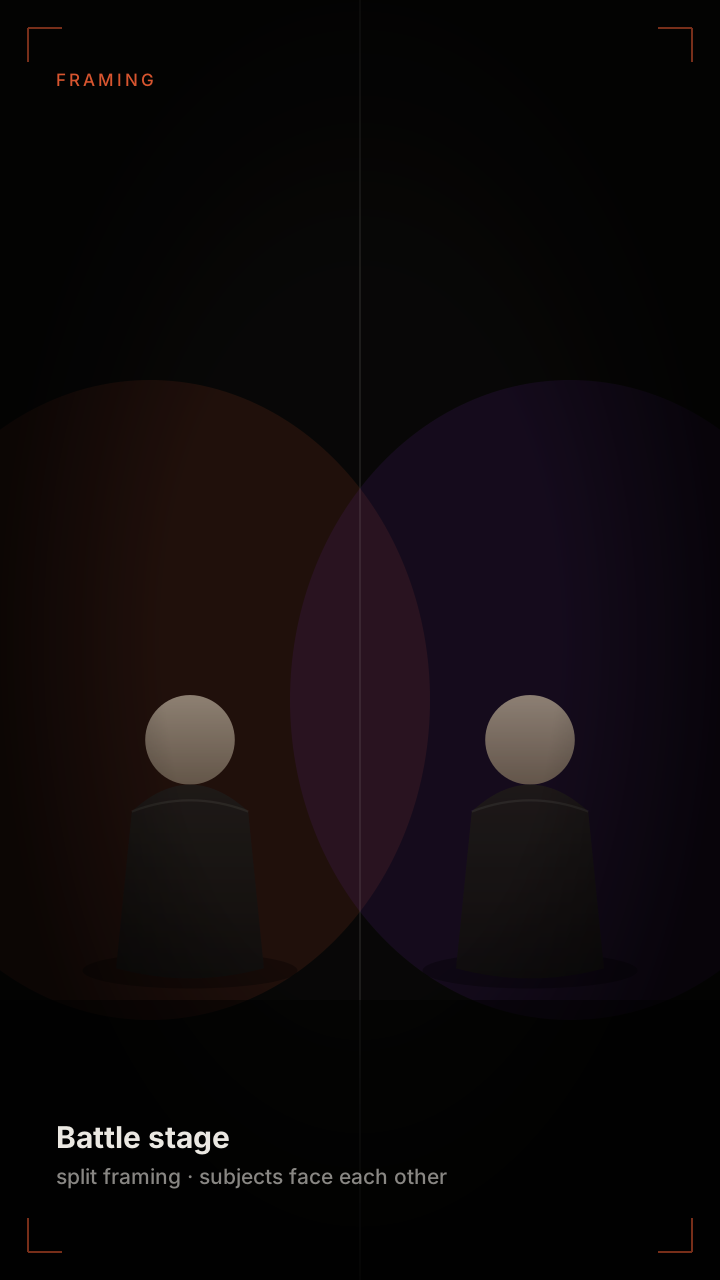 Battle set
Two Routes Into an AI Rap Video
Every rap video request has to answer one question before anything else: who is on screen? If the answer is "nobody specific", the text route is faster and cheaper. If the answer is "me and my friend", the photo route is the only one that produces something usable, because no amount of prompt writing will reproduce a real face.
- Text to rap video — you describe the set, the wardrobe, the camera move and the mood. The model builds performers that do not exist. Best for concept clips, mood boards and anything where identity does not matter.
- Photo to rap video — you upload one or two photos and the model casts those people into the scene. Best for jokes, tributes, birthday clips and anything where the audience needs to recognise who is on screen.
- Hybrid — start from the text route to lock the look, then re-render the same prompt with photos supplied. The staging and lighting carry over; only the performers change.
Both routes end in the same file type: 9:16 MP4, no watermark, ready for Reels, Shorts or TikTok.
The Style Library
Styles are stored as presets rather than free text, because free text is where most rap video renders fall apart: a prompt that says "music video" produces something closer to a perfume ad than a rap video. Each preset pins the four things that actually define the genre — camera distance, light direction, motion speed and cut rhythm — and leaves the creative choices to you.
- Trap group set — low-key light, slow push-in, matching wardrobe, wide lens. The default for anything with more than one person.
- Corridor walk-and-talk — handheld feel, background motion, both subjects advancing toward the lens.
- Battle stage — split framing, subjects facing each other, cut on the snare. Reads as a confrontation rather than a performance.
- Studio booth — tight on one performer, condenser mic in frame, shallow depth of field. The only preset built for a single subject.
- Neon night — saturated practical lights, hard rim light, high contrast. The most stylised option and the least forgiving of a weak source photo.
Export Specs and What They Mean
Export settings matter more than they look. A vertical clip that is encoded badly stutters on the first scroll, and short-form platforms punish the first second harder than any other part of the video.
- Aspect ratio 9:16, 1080×1920. The only ratio worth generating for short-form; anything else gets cropped by the platform and loses the framing you paid for.
- Length in 6, 12 or 18 second steps, priced one credit per second. The six-second version is for hooks and punchlines; eighteen seconds is the only length where a full walk-and-talk fits.
- H.264 MP4 with AAC audio. Plays natively everywhere; no transcoding step before upload.
- No burned-in captions and no watermark. Captions are better added in the platform’s own editor, where they are legible at the right size for each app.
- AI label retained in metadata. Removing it is against the terms, and most platforms now surface it automatically anyway.
Writing a Prompt That Holds Up
A rap video prompt is a shot description, not a mood description. Four fields do almost all the work: subject, staging, camera, light. Fill them in that order and the render becomes predictable; skip one and the model invents it, usually badly.
"Two rappers performing to camera, standing side by side in a hotel corridor, wide lens at chest height, warm downlights from above, slow dolly back." That sentence is boring to read and produces a usable clip. "Epic hip-hop music video with swagger" produces a slot machine result, because none of those words map to a camera position.
Keep wardrobe specific if it matters and vague if it does not. "Black hoodies" is a useful constraint; "streetwear" is not a constraint at all. If you are uploading photos, do not describe the faces — the photos override any facial description, and contradicting them wastes the render.
Finally, keep one variable per attempt. Change the light, not the light and the staging. Otherwise a failed render tells you nothing about which choice caused it.
FAQ
Questions people ask before uploading
What is the difference between the text route and the photo route?+
The text route generates performers who do not exist, from a written description. The photo route casts people from photos you upload. Everything after that — styles, lengths, export settings — is identical.
Can I use both at once?+
Yes. Generate the scene from text first to lock the lighting and camera, then re-render with photos and the same prompt. The staging carries over and only the performers change.
How much does one video cost?+
One credit per second: six credits for six seconds, eighteen for the full eighteen-second version. Credits come in packs, never expire, and come back automatically if a render fails.
What resolution is the export?+
1080×1920 vertical MP4, H.264 with AAC audio, no watermark. That is the native size for every short-form platform, so nothing gets re-cropped after upload.
Can I make a horizontal version?+
The generator is tuned for 9:16 because that is where the format lives. A horizontal export is possible but the presets are designed for vertical framing, so the composition will not use the width well.
Related pages
Keep reading
Pick a route and render
Describe the scene, or upload two photos — either way you get a vertical rap video in minutes.
Make a rap videoai-rap-duo.com