AI Music Video Generator
An AI music video generator has to survive a whole track, not one bar phrase. Photos in, beat-matched vertical video out — no crew, no location, no edit timeline.
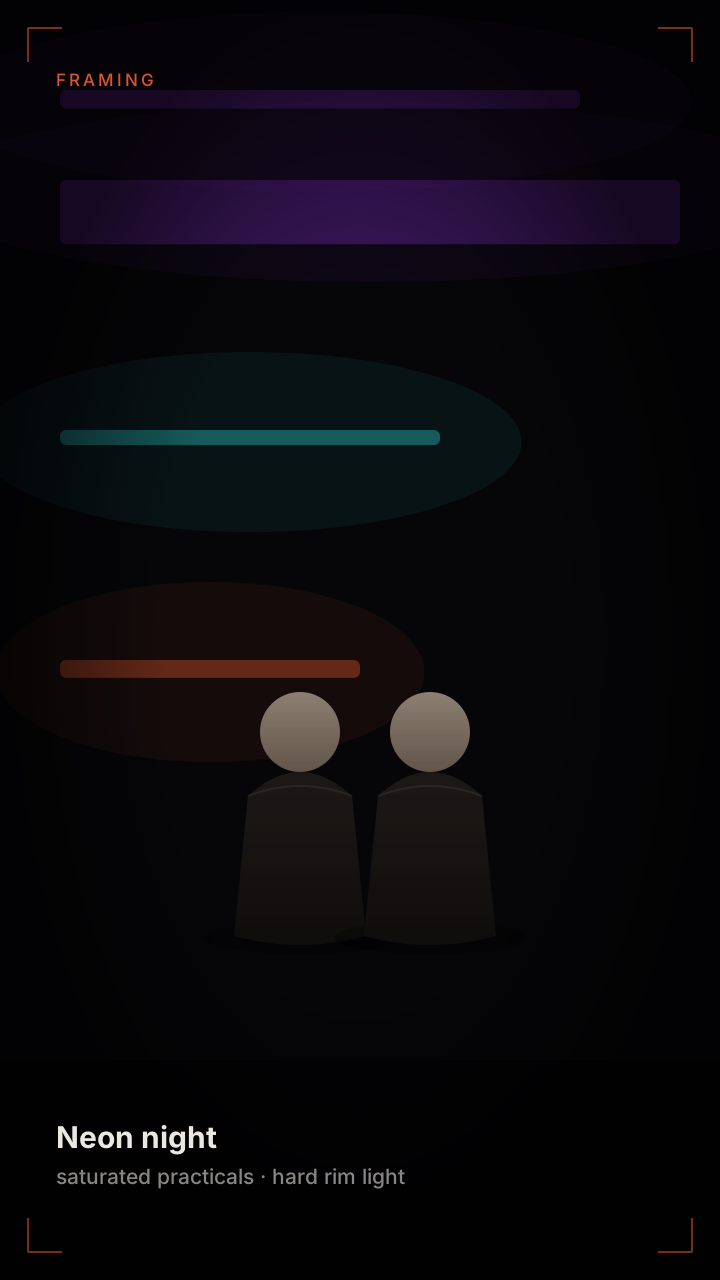 Neon
Neon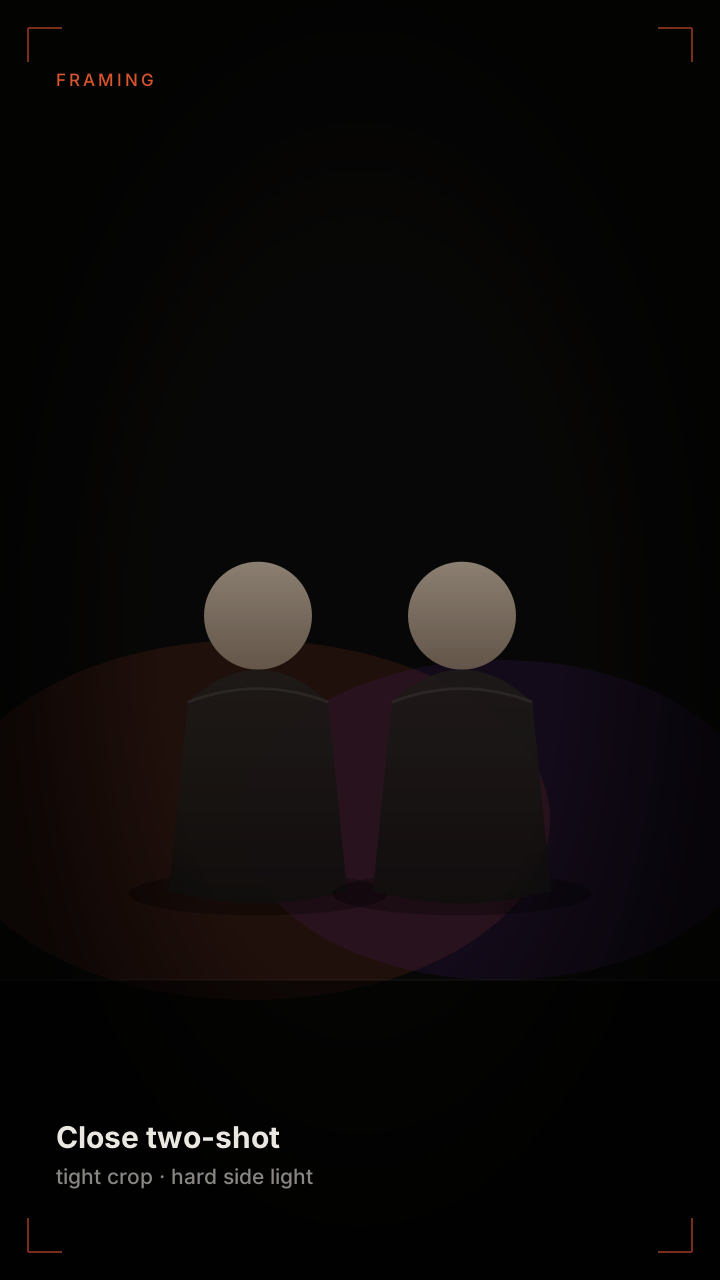 Close-up
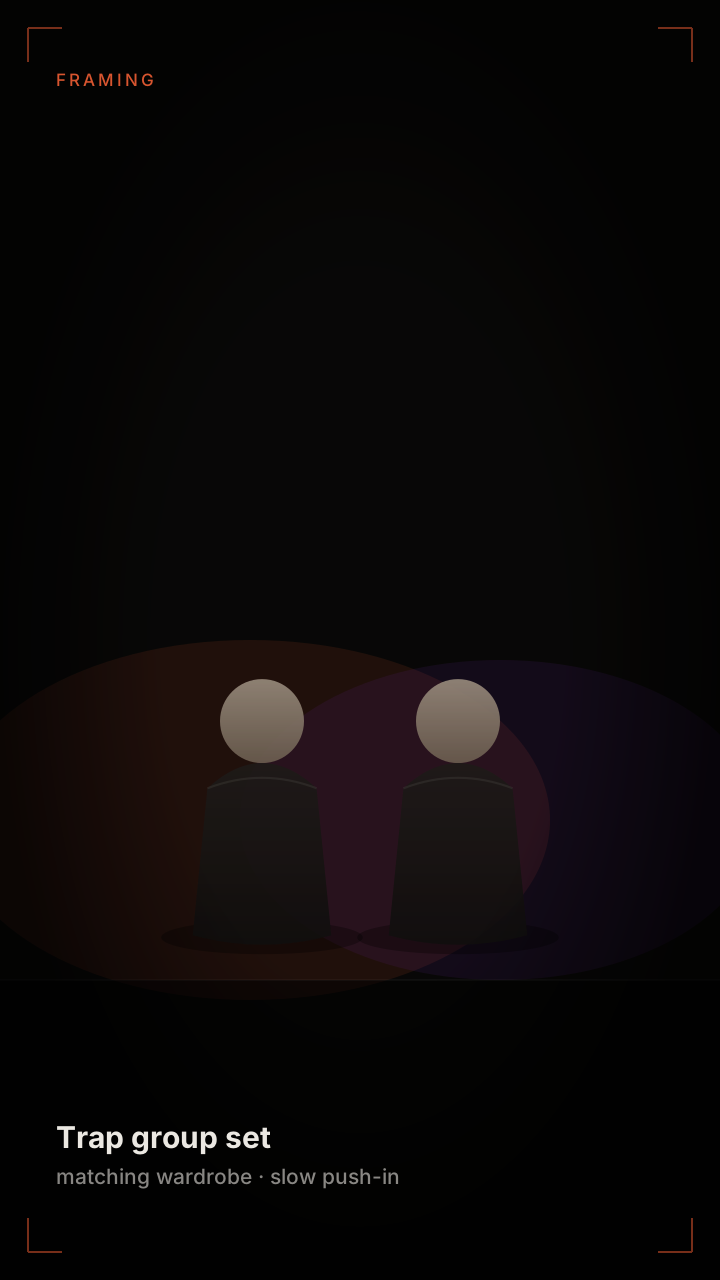 Group set
What an AI Music Video Needs That a Rap Clip Does Not
A rap clip is one performance held for the length of a bar phrase. A music video has to survive a whole track, which means it needs variation — different framings, different light, different energy in the verse and the chorus. That variation is the entire craft of the form, and it is the part most AI tools skip, producing one shot stretched to three minutes.
- A shot plan, not one shot. Verse framing is tighter and cooler; chorus framing is wider and brighter. Two distinct setups cover most short videos.
- Cut points that follow the track. Cuts land on the kick or the snare, not on a fixed interval. A cut that lands a beat late reads as a mistake even to viewers who cannot name what is wrong.
- Energy that matches the section. The camera pushes in for the chorus and holds for the verse. Constant motion is exhausting; constant stillness is dead.
- A finish. The last frame should be a deliberate shot, not a loop that stops when the audio does.
Genre Presets and What They Change
Presets are not filters. Each one changes camera behaviour, light direction, colour and cut rhythm together, because those four things move in the same direction for each genre. Applying a colour grade without changing the camera gives you a video that looks like the genre but does not feel like it.
- Hip-hop — side-lit, low-key, slow push-in, cuts on the snare. Group framing available. The default for anything with more than one person.
- Pop — high-key light, saturated colour, faster cuts, centred framing. The most forgiving preset on a phone screen.
- R&B — shallow depth of field, warm practicals, long holds, minimal camera movement. Relies on faces more than any other preset.
- Electronic — hard cuts on the kick, strobe-safe flashes, wide lens, heavy colour contrast. The only preset where fast cutting works at short lengths.
- Acoustic — natural light, static frame, one subject, no cuts. The cheapest to render and the hardest to make interesting; it lives or dies on the source photo.
Getting Cuts on the Beat
Beat matching is arithmetic, not intuition. Every track has a tempo in beats per minute; a bar is four beats. If you know the tempo, you know exactly where a cut belongs, and you can place one without listening to the render twenty times.
At 90 BPM, one beat is 0.67 seconds and one bar is 2.67. That means a six-second clip covers a little over two bars — enough for one setup and one cut. At 140 BPM a bar is 1.71 seconds, so a six-second clip holds three and a half bars, which is why faster tracks tolerate more cuts at the same runtime.
If you do not know the tempo, tap it out against the track and count. Twelve taps over eight seconds gives you the beat interval directly: 0.67 seconds per beat, which is 90 BPM. That single number is enough to plan every cut in the video before a single frame is rendered.
The most common mistake is cutting on every beat. That reads as a slideshow. Cut on the snare, or on the first beat of each bar, and let the camera movement carry everything in between.
Export and Delivery
Short-form is vertical, and everything here is built for it: 9:16, 1080×1920, H.264 MP4 with AAC audio, no watermark. That is the native format for every platform you would post to, so nothing gets re-cropped or re-compressed after export.
Length runs in six, twelve and eighteen second steps, priced one credit per second. That is deliberately shorter than a full track — a three-minute music video is a different product with a different workflow, and pretending otherwise produces a long video with three shots in it.
Keep the AI label in the metadata. Every major platform now surfaces it automatically, and stripping it is both against the terms and pointless in practice.
FAQ
Questions people ask before uploading
Can I upload my own track?+
Yes. Supply the audio and the visuals are matched to its tempo and section changes. If you do not know the tempo, tap it out and count — twelve taps over eight seconds gives you the beat interval directly.
How long can a video be?+
Six, twelve or eighteen seconds, priced one credit per second. The output is built for short-form platforms rather than for full-length tracks; pretending a two-minute song fits this pipeline produces a long video with too few shots.
Do I need photos?+
No. The text route generates performers from a description. The photo route casts real people. Both are available for every genre preset.
What resolution do I get?+
1080×1920 vertical MP4, H.264 video with AAC audio, no watermark, ready to upload without re-encoding.
Which preset should I start with?+
Hip-hop or pop. Both are forgiving of ordinary source photos and both produce something legible on a phone screen at arm’s length, which is where these videos are actually watched.
Related pages
Keep reading
Track in, video out
Pick a genre preset, set the tempo, and render a beat-matched vertical clip.
Make a music videoai-rap-duo.com